Forms
TextInput
The default field — text, e-mail, password, number, tel or URL — with affixes, masks and the rules each variant implies.
On this page
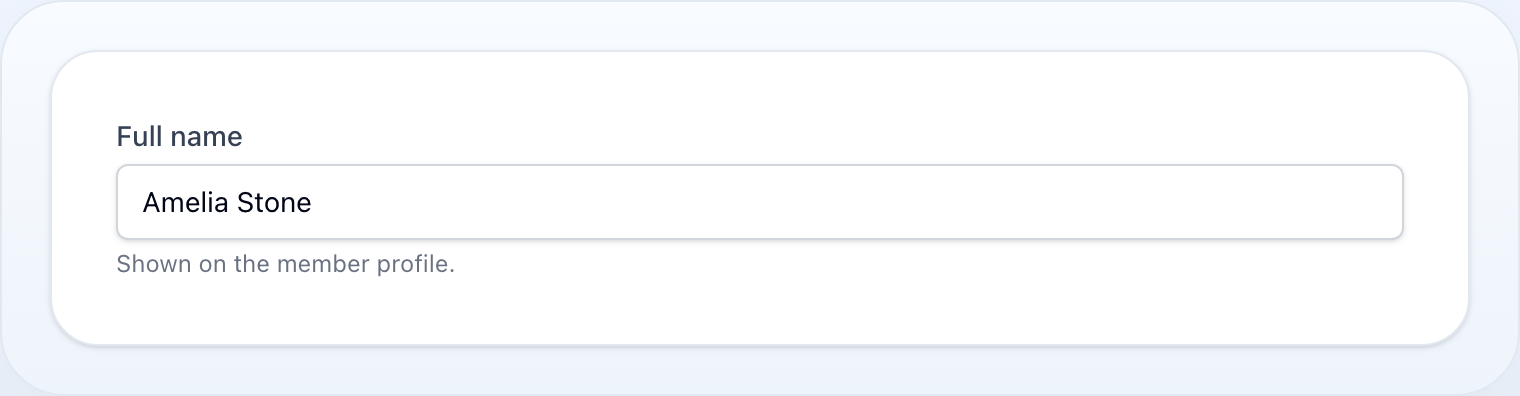
Text input field with variants for email, password, numeric, tel, and URL.
use NyonCode\WireForms\Components\TextInput;Basic Usage
TextInput::make('name')TextInput::make('email')->email()TextInput::make('password')->password()TextInput::make('phone')->tel()TextInput::make('website')->url()TextInput::make('quantity')->numeric()TextInput::make('age')->integer()Type Variants
| Method | HTML type | Description |
|---|---|---|
email() |
email |
Email validation hint |
password() |
password |
Masked input |
tel() |
tel |
Phone number |
url() |
url |
URL input |
numeric() |
number with inputmode |
Numeric with decimal |
integer() |
number with inputmode |
Integer only, step=1 |
search() |
search |
Search input |
type(string) |
Custom | Set HTML input type directly |
Constraints
TextInput::make('code') ->minLength(3) ->maxLength(10) ->minValue(0) ->maxValue(100) ->step('0.01') ->mask('999-999-999') ->inputMode('numeric') ->autocomplete('off')Dynamic mask
A pattern that changes as the value does is written as the Alpine expression
x-mask:dynamic evaluates. It is recomputed on every keystroke, and takes
precedence over mask():
TextInput::make('card') ->dynamicMask("$input.startsWith('34') ? '9999 999999 99999' : '9999 9999 9999 9999'")For an amount, reach for MoneyInput instead — it sets the same kind of mask from a currency, and reads the typed figure back as a number.
Empty Values
A browser has no way to submit "nothing". A cleared <input> arrives as an empty
string, and what that should mean depends entirely on the column behind it:
TextInput::make('price')->numeric() // cleared -> null, without being askedTextInput::make('note') // cleared -> '', which is a valueTextInput::make('reference')->nullable() // cleared -> null, because you said soA number input nullifies on its own. '' is not a figure: Postgres and
strict-mode MySQL reject it on a numeric column, and SQLite quietly stores an
empty string next to the decimals. There is no reading of an emptied
type=number field where the author meant "the empty string", so numeric(),
integer() and a direct type('number') all write null. A zero is untouched —
0 is a figure, not an empty value.
Every other type has to be told. On a text column '' is a perfectly good
value, and a NOT NULL column would reject a null written on the author's
behalf, so ->nullable() is what asks for one. It is the same method, with the
same meaning, as TextInputColumn::nullable()
in an editable table cell.
This runs on the way to the record, so it applies wherever the value is going —
a saved form, and an action modal handing its data to a
callback. What the browser is bound to is left alone: the field still shows an
empty input, not a null.
Decorators
TextInput::make('price') ->prefix('CZK') ->suffix('.00') ->prefixIcon('currency') ->suffixIcon('calculator')Affix and hint actions
Place an interactive Action before/after the input or next to the hint. The callback runs on the
server with the same reactive $get / $set context as afterStateUpdated()
— use it for lookups (ARES, address verification), generating a value from another field, or an
inline action:
use NyonCode\WireCore\Actions\Action; TextInput::make('company') ->suffixAction( Action::make('lookup') ->icon('heroicon-o-magnifying-glass') ->action(fn ($get, $set) => $set('company', lookupCompany($get('company')))), ) ->hintAction( Action::make('help')->icon('heroicon-o-question-mark-circle'), );prefixAction(), suffixAction() and hintAction() each take an Action and share the field's
state context. For a standalone button, use the Button field.
Revealable Password
TextInput::make('password') ->password() ->revealable() // toggle visibility buttonDatalist
TextInput::make('city') ->datalist(['Prague', 'Brno', 'Ostrava'])Pass a PHP enum class to use its case labels as the suggestions (same label resolution as
Select options):
TextInput::make('city')->datalist(City::class)Live Updates
TextInput::make('search') ->live() ->debounce(300)Validation
TextInput::make('username') ->required() ->rules(['alpha_dash', 'min:3', 'max:30']) ->validationMessages(['required' => 'Username is required'])Common Options
TextInput::make('bio') ->label('Short bio') ->helperText('Displayed on your profile') ->hint('Max 255 chars') ->placeholder('Tell us about yourself') ->disabled(fn () => $this->locked) ->readOnly(fn () => ! auth()->user()->canEdit()) ->autofocus()See Common Field API for the full list of shared methods.